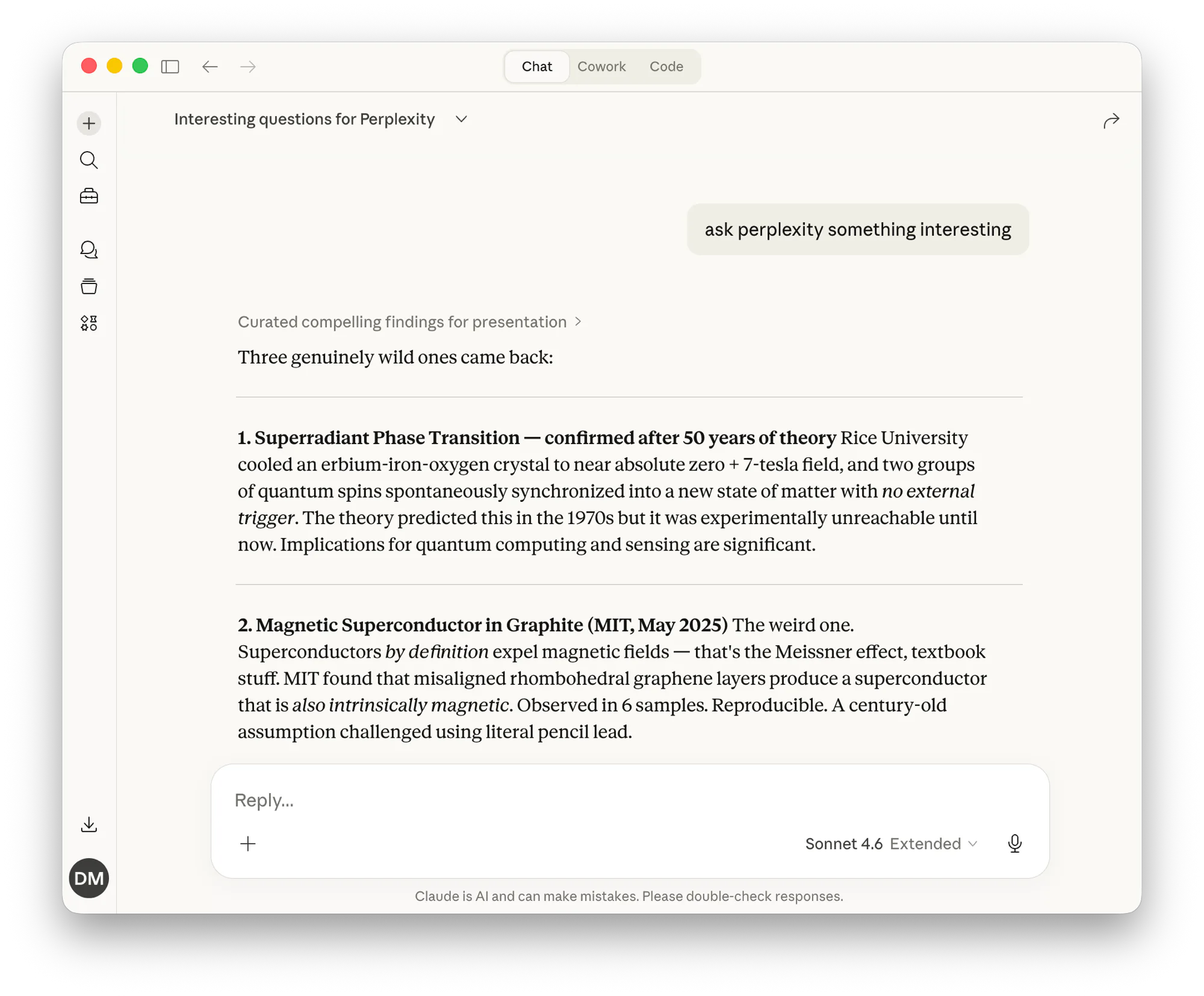
Perplexity offers an official MCP server that exposes its search and research capabilities as MCP tools. By deploying it on MCP Nest, you can use Perplexity’s web search from inside Claude, ChatGPT, or any other MCP-compatible assistant. No local setup required.
Quick Deploy

You’ll need a Perplexity API key.
1. Create a New Config in MCP Nest
Go to your MCP Nest dashboard and click Create MCP Deployment.
Command: npx
Args: @perplexity-ai/mcp-server
Environment Variables:
| Variable | Value |
|---|---|
PERPLEXITY_API_KEY |
Your Perplexity API key |
Save and deploy.
2. Connect to Claude, ChatGPT, or other clients
Once deployed, connect your AI assistant to MCP Nest.
Claude
- Go to claude.ai/settings/connectors.
- Click Add Custom Connector.
-
Set the Remote URL to
https://mcp.mcpnest.dev/mcp. - Click Add, then Connect to authorize.
ChatGPT
Point ChatGPT’s MCP connector to your MCP Nest remote URL and authorize the connection.
Other clients
Any MCP-compatible client can connect using https://mcp.mcpnest.dev/mcp with HTTP transport and your MCP Nest authentication token.
What you can do
Once connected, you can ask your AI assistant things like:
- “Search the web for the latest news on X”
- “Research this topic and give me sources”
- “Find recent articles about Y and summarize them”
Your assistant will use Perplexity under the hood to fetch real-time web results and cite sources.