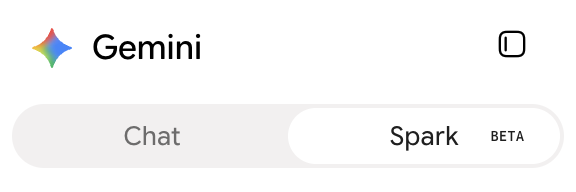
Gemini supports custom MCP apps in Spark, not Gemini Chat. Custom app controls appear only after you switch to Spark.
Most community MCP servers run as npx or uvx commands over stdio. MCP Nest hosts
those servers and gives you the remote HTTPS endpoint that Gemini needs.
Before you start
You need an Active MCP Nest deployment. If you do not have one, follow Getting Started with MCP Nest first.
1. Copy the MCP endpoint
Open your deployment in MCP Nest and select the OAuth (Claude, Cursor, etc.) tab. Copy the Streamable HTTP Endpoint.

The endpoint looks like this:
https://mcp.mcpnest.dev/mcp/<your-config-id>Do not copy the SSE Endpoint (Legacy) or the Authenticated URL.
2. Switch Gemini to Spark
Open Gemini Spark apps. If the toggle at the top says Chat, switch it to Spark.
3. Add a custom app
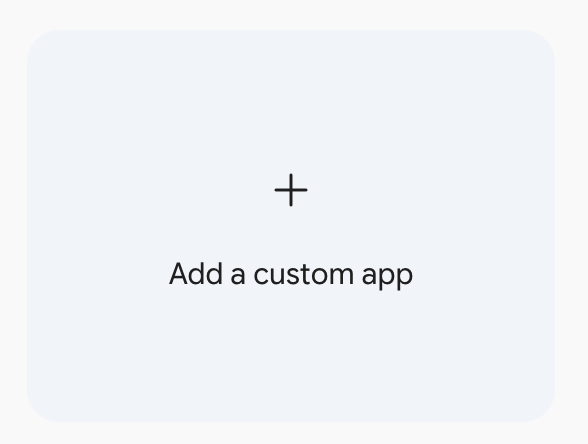
Scroll to the bottom of the app list and select Add a custom app.
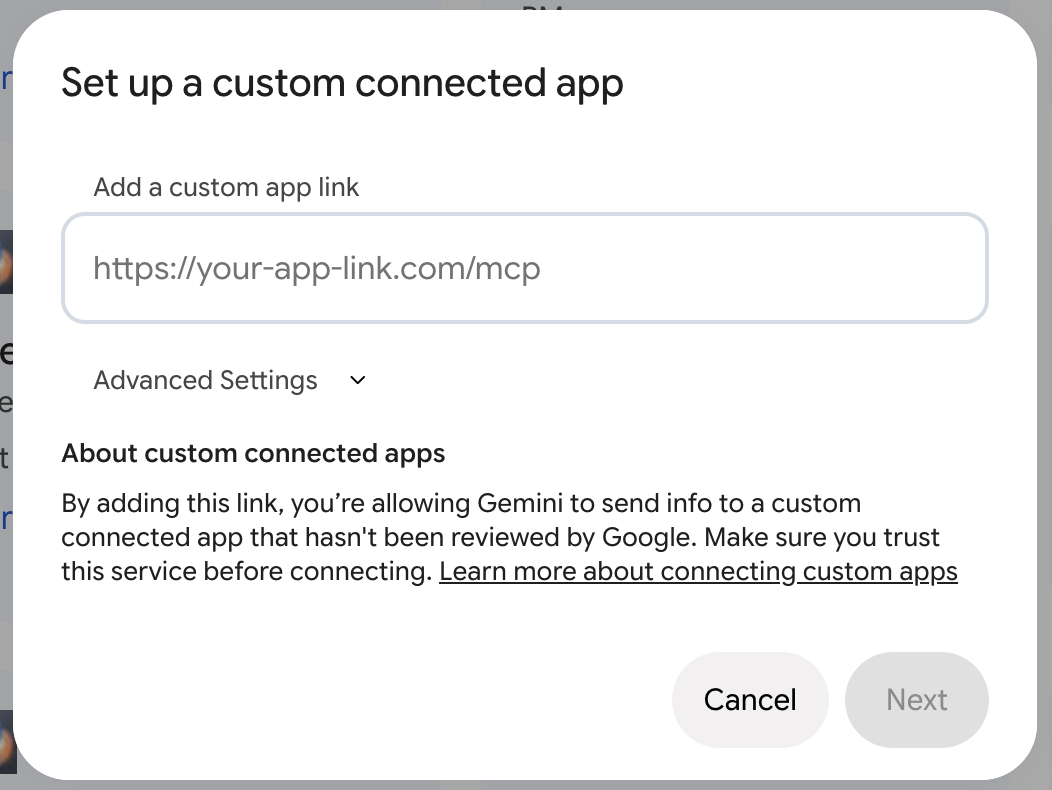
Paste the Streamable HTTP Endpoint from MCP Nest into Add a custom app link, then select Next.
4. Authorize and save the app
Link your Google Account when prompted, then approve access when MCP Nest opens its authorization page.
Gemini shows the tools it found under Available actions. Name the app, such as
MCP Nest, and select Connect.
5. Use your MCP tools
Mention the app with @ in a Spark conversation and ask it to use one of your tools:
@MCP Nest search for flights from Tokyo to Lisbon next March.Gemini asks you to allow each tool call before it runs.
Troubleshooting
There is no option to add a custom app. Switch the top toggle from Chat to Spark.
The URL is rejected or Next stays disabled. Confirm the MCP Nest deployment is Active and that you copied the Streamable HTTP Endpoint, including its config ID.
Available actions is empty. Open the MCP Nest dashboard and click Refresh. If the list is still empty, check that the deployment contains at least one server with tools enabled.
Authorization returns to the login page. Sign in to mcpnest.dev in the same browser profile Gemini opened, then retry.
A tool call fails. Open the deployment’s Logs page in MCP Nest to see the MCP server error.